Next.js vs WordPress for Business Websites: Why We Migrated After 6 Months

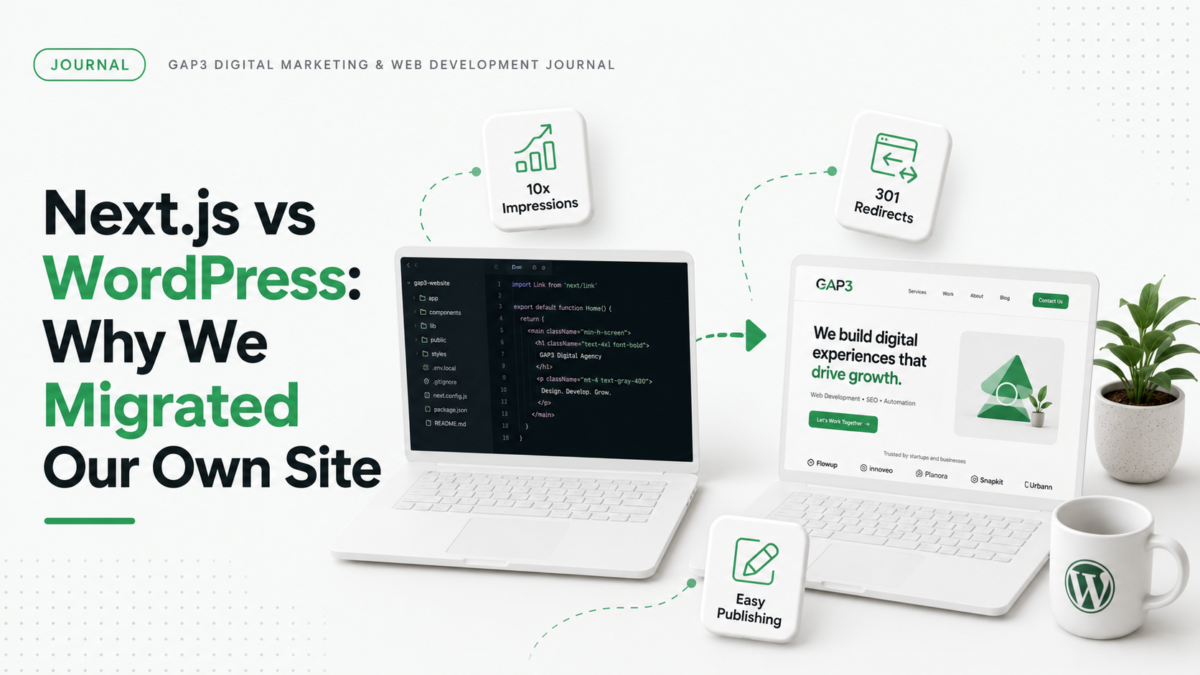
We build websites for a living, and for about six months our own agency site ran on Next.js. In July 2026 we migrated it to WordPress. Within three months of the move, our Google Search impressions grew roughly 10x.
That number needs context, and this post is the context. Not a generic “10 differences between WordPress and Next.js” listicle. We ran both stacks on the same domain, with the same business and the same content, which makes this a fairer comparison than most.
Why we chose Next.js in the first place
The plain reason: we’re developers, and Next.js is a pleasure to develop with. Fast builds, modern tooling, complete control over every byte of output. The site scored beautifully on Core Web Vitals and we were proud of it.
Six months in, we noticed something uncomfortable. Our site was an informational website. Service pages, an about page, a blog. Static content that a marketing team should own. And we had built it on a stack that only developers could touch.
Where Next.js hurt us
Publishing was a development task. Every blog post meant writing markdown, committing code, and deploying. For a product with daily releases, that workflow is normal. For a content site, it’s friction that kills consistency. Posts that should have taken an hour to publish sat in the queue behind client work, because publishing needed a developer and our developers were billing.
After the move, publishing became a ten-minute job anyone on the team can do, and our output jumped immediately. Google didn’t reward WordPress. It rewarded the content we finally started shipping once publishing stopped being a chore.
Maintenance cost didn’t match the site’s needs. Dependency updates, build pipeline issues, framework version bumps. None of it was hard, but all of it needed developer hours, every month, for a site whose content barely changed structurally. We were paying an application-maintenance price for a brochure-and-blog website. On WordPress, that same budget covers updates, backups, and security monitoring with room to spare.
SEO plumbing was all manual. Schema markup, OG tags, sitemaps, redirects, canonicals. All hand-built and hand-maintained. Nothing was broken exactly, but small things drifted. On WordPress, Rank Math handles the plumbing and flags mistakes before they ship.
Where Next.js was better
Fairness requires this section, because Next.js beat WordPress in real ways.
Raw performance was better out of the box. Our WordPress build needed deliberate work (good hosting, caching, a disciplined theme) to match the Core Web Vitals our Next.js site got for free. We got there, but it took real WordPress speed optimization hours.
Security surface was smaller. A static Next.js site has almost nothing to attack. WordPress needs updates, monitoring, and choosing plugins with care, reading their changelogs before you update.
And to be clear: for web applications, dashboards, and anything with heavy custom logic, we still pick Next.js without hesitation. It’s what we use for custom SaaS development work. This comparison is about business and marketing websites specifically.
The migration itself: what to watch
Three lessons from doing our own migration, all learned the mildly painful way.
Map every URL before you switch. Our biggest self-inflicted wound was URL structure drift: some posts ended up at the root while new ones went under /blog/, and for a while Google indexed duplicates of the same article at two addresses. Decide the structure first, 301-redirect every old path, and verify with a crawl.
Expect a turbulent few weeks in Search Console. Impressions and positions wobble while Google recrawls the new site. Ours settled within the first few weeks, then began climbing steadily.
Don’t let UTM-tagged URLs get indexed. We had Google Business Profile links with UTM parameters showing up as separate indexed pages. Canonical tags fix it, but it’s cleaner to catch during migration.
So which should you pick?
It comes down to three questions: who publishes, how often, and what’s your realistic maintenance budget.
Pick WordPress if your website is informational and content-driven: service pages, a blog you plan to grow, campaigns. The ecosystem turns publishing and SEO maintenance into low-cost routine work that doesn’t need a developer on standby.
Pick Next.js if your site is a product: custom functionality, app-like interfaces, a developer team that deploys daily anyway. Or if your marketing site is five pages that change twice a year and developer time is free to you.
What we learned in six months: the best technology is the one your team will use, within the budget you have. Our Next.js site was technically superior and commercially inert. Our WordPress site is technically ordinary and grows every month.
Thinking about the same move?
We’ve now done this migration for ourselves and for clients. If you’re weighing it, the deciding factor is almost never the framework. It’s publishing workflow and maintenance cost. Our WordPress team and SEO team handle both sides of it, and a quote is free. Send us your current site and we’ll give you a straight answer about whether migrating is worth it for you.
FAQ
Is WordPress worse for SEO than Next.js? No. Both can rank equally well. WordPress makes routine SEO work easier through plugins, while Next.js requires building that tooling yourself but offers stronger default performance.
Will migrating from Next.js to WordPress hurt my rankings? Not if every old URL 301-redirects to its new equivalent. Expect a few unstable weeks in Search Console while Google recrawls, then normal or improved performance.
Is WordPress slower than Next.js? Out of the box, usually yes. With quality hosting, caching, and a lean theme, WordPress can meet the same Core Web Vitals targets.
Can I keep Next.js and just add a blog? Yes, via headless WordPress or a CMS feeding Next.js. It works, but you’re maintaining two systems, which is only worth it when the frontend needs to be custom.
Gaurav Gajjar is the founder of GAP3 Studio in Ahmedabad, India. He has built websites since 2015, at Vibidsoft and Myriad Solutionz and then as a Senior Web Designer at E2M, before starting GAP3 in July 2025. With his team he has delivered more than 140 projects on WordPress, WooCommerce, Shopify and Webflow, and he built WBIZ and MyToolStudio. He writes about WordPress, ecommerce and technical SEO. Connect with Gaurav Gajjar on LinkedIn.