Elementor 4.2 Is Here: Loops, Atomic Forms & Grid Containers Explained

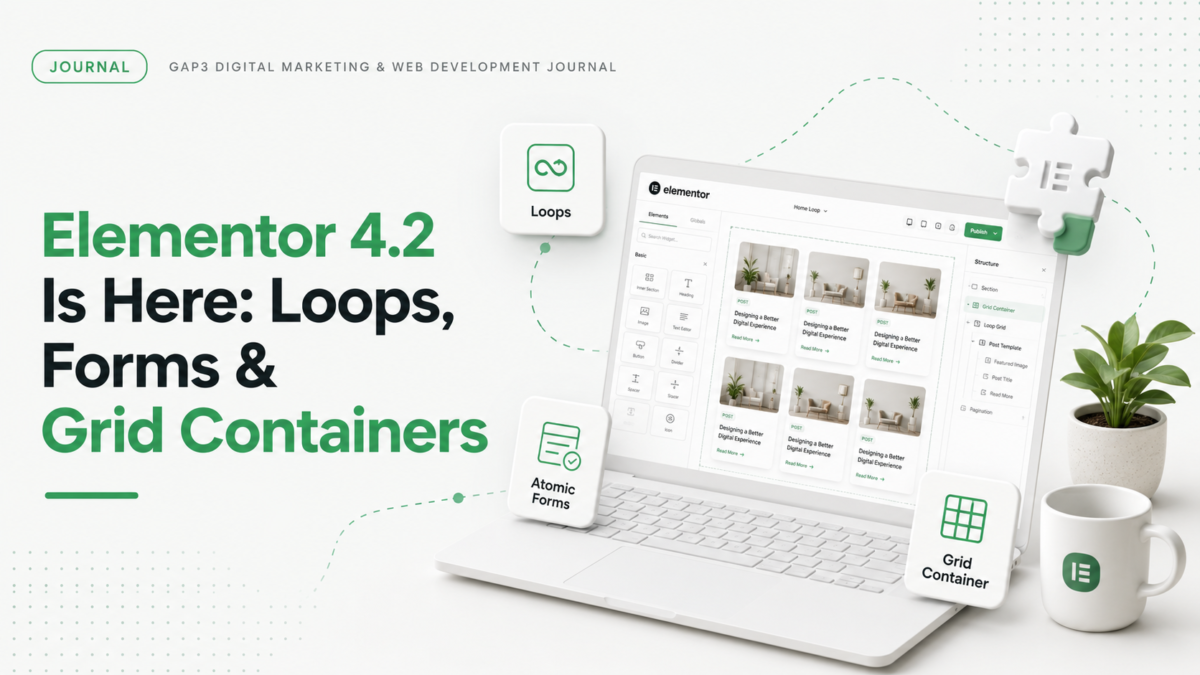
Elementor shipped version 4.2 in July 2026, and it’s a bigger release than the version number suggests. If 4.0 was the foundation (the atomic editor moving from experiment to something you could build real sites with), 4.2 is the first release where that foundation starts paying off with features builders have been requesting for years.
We’ve been running it on staging copies of client sites since release week. Here’s what’s new, what works, and what we’d hold off on.
The three headline features
1. Loops: dynamic, repeatable patterns
Loops let you design one card, connect it to a query, and have Elementor repeat it for every post, product, or custom post type entry that matches. That covers blog grids, team pages, product grids and portfolio archives. You design the card once and the query fills in the rest.
If you’ve used Loop Builder in Elementor Pro before, this will feel familiar, but the 4.2 version is rebuilt on the atomic structure. That matters for one practical reason: the markup it outputs is cleaner. Older loop templates wrapped everything in layers of divs that made custom CSS a headache. The atomic version gives you classes you can target directly.
Where we’d use it right away: blog archives and team pages. Where we’d wait: complex WooCommerce product grids with filtering. The query controls handle basic filtering fine, but faceted filtering still needs a third-party solution.
2. Forms built on the atomic structure
Forms in 4.2 are now full atomic elements with styling driven by Classes and Variables instead of widget-level settings. In plain terms: you can define your form field style once, as a class, and every form on the site inherits it. Change the class, every form updates.
Anyone who has restyled forms across a 40-page site one widget at a time knows why this is worth the upgrade on its own.
One caution: if your current forms use custom CSS targeting the old form markup, test before you migrate. The atomic forms output different HTML, and your overrides may stop applying.
3. Grid containers with real rows and columns
This is the one we’re most happy about. Grid containers give you precise row and column control, the way CSS Grid works, instead of approximating layouts with nested flex containers.
Complex layouts that used to take four nested containers now take one grid with defined areas. Fewer wrappers means less markup, which means marginally faster pages and much saner debugging.
Should you update client sites now?
Our answer: staging first, always, and check three things before you push to production.
First, plugin compatibility. Check each add-on’s changelog for a release that lists 4.2 support before you update, because smaller plugins often lag behind. Test every third-party widget you rely on.
Second, security patches. Read the Elementor changelog for the security fixes released since your current version. If any of them apply to your site, updating isn’t optional anymore. It’s overdue.
Third, your custom CSS. The atomic structure changes markup. Most sites migrate cleanly, but any site with heavy custom styling needs a proper visual review, not a quick glance at the homepage.
What this means if you’re still on Elementor 3.x
You can stay on 3.x for now. Elementor is still patching it. But the direction is clear: everything new (Loops, atomic Forms, Grids, the AI features) is being built on the version 4 foundation. The longer you wait, the bigger the migration gets.
For simple sites, the jump from 3.x to 4.2 is usually an afternoon of testing. For sites with years of accumulated custom code, template overrides, and abandoned plugins, it’s a project. We’ve done a few of these migrations now and the pattern is consistent: the sites that hurt are the ones that skipped every intermediate update.
If you’re not sure which category your site falls into, that’s exactly the kind of thing worth getting a professional look at before you press update. Our WordPress development team handles these migrations regularly, and a quick quote costs you nothing.
FAQ
Is Elementor 4.2 free or Pro only? The core 4.2 update is free. Some features, including advanced Loop query options, require Elementor Pro.
Will updating to 4.2 break my site? Most sites update cleanly, but sites with custom CSS targeting old markup or outdated third-party addons can break. Always update on a staging copy first.
What are Loops in Elementor 4.2? Loops let you design one template (like a blog card) and automatically repeat it for every matching post, product, or custom post type entry using a query.
Do I need to rebuild my forms after updating? Existing forms keep working. New atomic forms offer class-based styling, so rebuilding is worthwhile when you want site-wide form consistency, but it’s not forced.
Gaurav Gajjar is the founder of GAP3 Studio in Ahmedabad, India. He has built websites since 2015, at Vibidsoft and Myriad Solutionz and then as a Senior Web Designer at E2M, before starting GAP3 in July 2025. With his team he has delivered more than 140 projects on WordPress, WooCommerce, Shopify and Webflow, and he built WBIZ and MyToolStudio. He writes about WordPress, ecommerce and technical SEO. Connect with Gaurav Gajjar on LinkedIn.