LiteRT.js: Run AI Models Directly in Your Browser Without Server Costs
 Gaurav Gajjar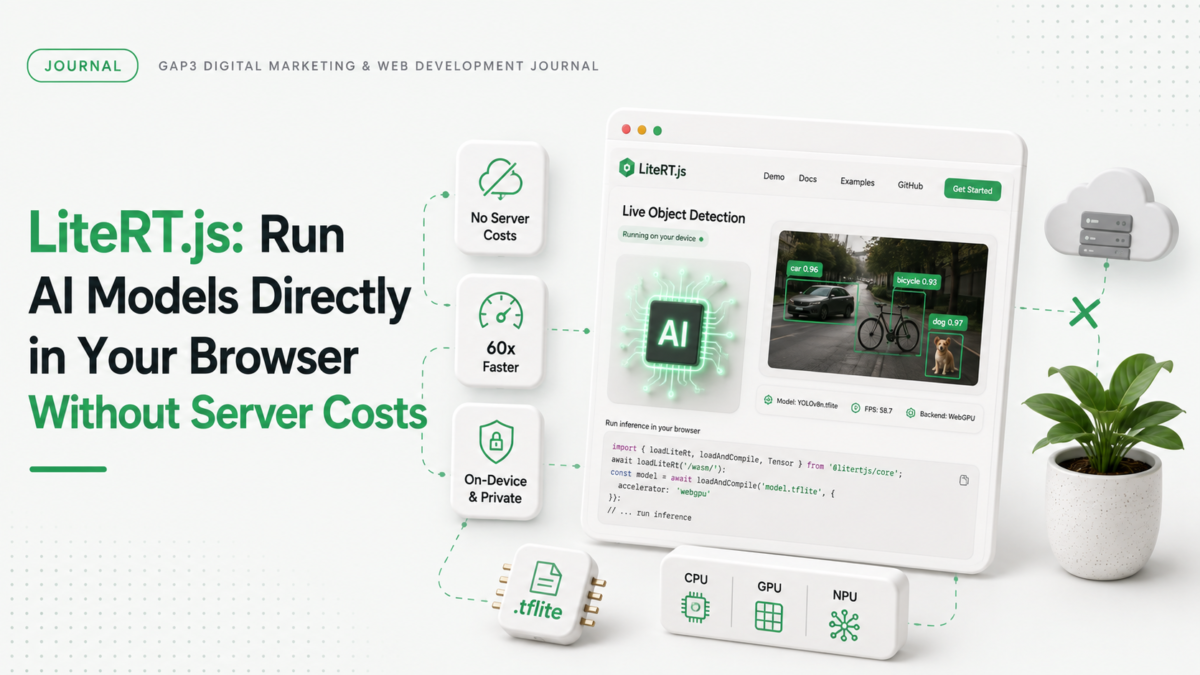
We just learned about LiteRT.js, Google’s new way to run AI models directly in web browsers. This means developers can use machine learning without sending data to servers. It’s a big shift for privacy and speed.
LiteRT.js works with.tflite models that already exist. These models are used for tasks like object detection and audio processing. By running them in the browser, you get faster results and no extra server costs. This is especially useful for real-time applications where speed matters.
How LiteRT.js improves browser-based AI performance
LiteRT.js uses hardware acceleration from CPU, GPU, and NPU to run AI models faster. It leverages XNNPACK for CPU, ML Drift for GPU, and WebNN for NPUs. This means your browser can handle complex tasks like image upscaling and object tracking without lag.
- LiteRT.js supports converting PyTorch models directly with LiteRT Torch. This makes it easy to get started with existing models.
- AI Edge Quantizer helps reduce model size while keeping performance high. It works well for both CPU and GPU.
- WebGPU and WebNN let you use GPU and NPU acceleration for up to 60x faster results in some cases.
Real-world examples of LiteRT.js in action
LiteRT.js is already being used in live demos. For example, Ultralytics YOLO models run in the browser for object detection. Another demo shows depth estimation using a webcam to create 3D point clouds. Image upscaling by 4x also works smoothly with LiteRT.js.
How to get started with LiteRT.js
Setting up LiteRT.js is simple. You can load a.tflite model and run it in the browser with just a few lines of JavaScript. The example code below shows how to use GPU acceleration for real-time inference.
Here’s a basic setup for running a model with GPU:
import { loadLiteRt, loadAndCompile, Tensor } from '@litertjs/core';
await loadLiteRt('path/to/wasm/directory/');
const model = await loadAndCompile('path/to/your/model.tflite', { accelerator: webgpu });
//... run inference
LiteRT.js works best with models that are already quantized. This means they’re smaller and faster. You can find pretrained models on Kaggle or the LiteRT Hugging Face Community.
How GAP3 can help with LiteRT.js
We’ve helped clients integrate LiteRT.js into their web apps. If you need help setting up AI models in your browser, we can build custom solutions with LiteRT.js. Our team has experience with WordPress, Shopify, and SaaS applications that use on-device AI.
For a free quote on integrating LiteRT.js into your project, try our get a free quote service. Or reach out to us directly at get in touch.
Want a hand with this? Take a look at our Core Web Vitals optimization.
FAQ
Can I run AI models in my browser without sending data to servers?
Yes. LiteRT.js lets you run.tflite models directly in your browser. This keeps data private and avoids server costs.
How does LiteRT.js compare to TensorFlow.js?
LiteRT.js uses native hardware acceleration across CPU, GPU, and NPU. TensorFlow.js relies on JavaScript kernels which are less performant.
Do I need to retrain my models for LiteRT.js?
No. LiteRT.js supports converting PyTorch models and works with existing.tflite models. You can use AI Edge Quantizer for optimization.
What’s the best way to get started with LiteRT.js?
Start with a pretrained.tflite model from Kaggle or LiteRT Hugging Face Community. Use the LiteRT.js documentation to set up GPU acceleration.
Source: Google Developers Blog.