

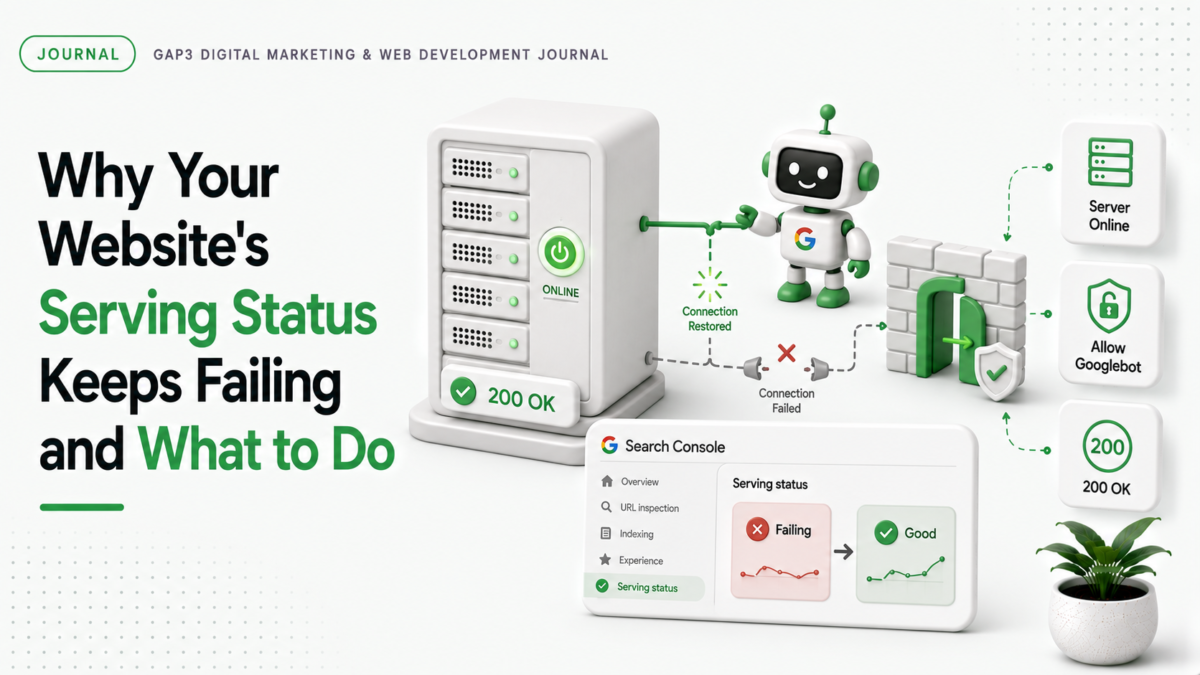
When your website shows a serving status error in Google Search Console, it means Google can’t find your site properly. This error blocks your site from showing up in search results. It’s a serious problem for any business that wants traffic and leads.
What happens when serving status fails
Google Search Console reports a serving status error when it can’t connect to your site’s server. This usually happens because your server is down, your site is blocked by a firewall, or your site is misconfigured. The error appears as a red flag in your Search Console dashboard. It stops Google from indexing your site. Without indexing, your site won’t show up in search results. This means no traffic, no leads, no sales.
Why this matters for your business
When your site isn’t showing up in search results, you lose potential customers. Your competitors are getting traffic while you’re stuck. This error affects your SEO performance. It hurts your visibility on Google. It means your website isn’t helping you reach buyers.
How to fix serving status errors quickly
- Check your server status with a tool like curl or ping. If your server is down, restart it or fix the issue.
- Look for firewall rules blocking your site. Your firewall might be blocking Google’s requests. Adjust the firewall settings to allow access.
- Verify your site’s configuration in Google Search Console. Make sure your site is correctly set up and not blocked by Google.
- Use Core Web Vitals optimization to improve your site’s speed and reliability. Fast sites have better serving status.
When to call a specialist
Most serving status errors are simple to fix. But if your server is down for hours, your firewall is misconfigured, or Google has blocked your site, you need help. For complex issues, we fix them quickly. Our team has shipped solutions for hundreds of sites. We handle server issues, firewall problems, and Google blocking. We get your site back online fast.
How GAP3 can help
We fix serving status errors for websites and stores. We check your server, firewall, and Google configuration. We provide a free quote to see how we can help. Get in touch for a quick fix. Our team is ready to solve your problem.
If you would rather have this handled for you, our Core Web Vitals optimization can take it on. Tell us what you need and get a free quote.
FAQ
Why does my website show serving status errors in Google Search Console?
Your server might be down, your firewall could be blocking Google, or your site is misconfigured. Check these common causes first.
How do I fix a serving status error quickly?
Check your server status with curl or ping. Adjust firewall rules. Verify your Google Search Console setup. These steps often fix the issue.
Can a website serving status error affect my sales?
Yes. If your site isn’t showing in search results, you lose potential customers. This directly impacts your sales and leads.
When should I call a specialist for serving status errors?
If your server is down for hours, your firewall is misconfigured, or Google has blocked your site, contact a specialist. We fix these issues fast.
Source: Google Search Status Dashboard.