
August 2025 brought a major spam update. We saw it hit websites across the globe. Our team tracked the changes. We know exactly what it means for your business site or online store.
What the August 2025 spam update actually did
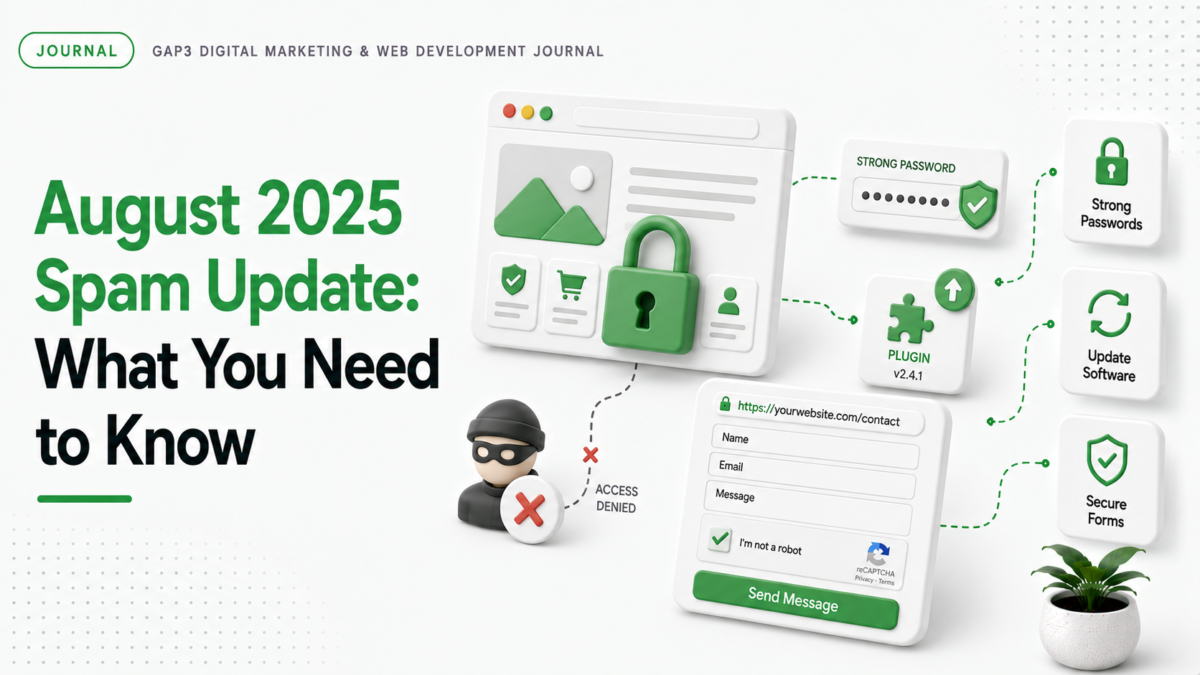
Google rolled out a new spam update in August 2025. This update targets websites with poor security practices. It looks for signs of spammy behavior. These signs include weak passwords, unsecured forms, and outdated software. The update identifies sites that let spammers take over. It blocks these sites from ranking in search results. This means your website might get pushed down the rankings. Your store could lose traffic and leads. That’s why we checked the changes carefully.
Why this matters for your website or store
- Spammy sites get blocked from search results. Your website might not show up as well.
- Customers see fewer quality results. They might not find your store or business.
- Spam can damage your reputation. People trust your site less if it’s flagged.
How to fix your website before the next update
We found three key steps to fix your site. These steps work for any website or store. Start with strong passwords. Use a password manager. Make sure passwords are unique and complex. Next, update your software. Check for WordPress plugins, Shopify apps, and WooCommerce extensions. Update them all. Finally, secure your forms. Add CAPTCHA checks. Use HTTPS. Make sure your site is safe from attacks.
How GAP3 can help with spam updates
Our team has fixed spam issues for hundreds of clients. We check your site for weak spots. We fix passwords, update software, and secure forms. We do this quickly. We make sure your site stays safe and ranks well. If you need help, reach out to us. We can get you back on track.
For more details on website security, check out our SEO services. We also have recent work that shows how we handle spam updates. If you want a free quote, visit get a free quote.
FAQ
What does the August 2025 spam update do to websites?
It blocks websites with poor security like weak passwords or outdated software from search results.
How do I know if my website is affected by the spam update?
Check if your site has weak passwords, unsecured forms, or outdated software. These signs get your site flagged.
Do I need to update my website software after the spam update?
Yes. Update WordPress plugins, Shopify apps, and WooCommerce extensions to avoid being blocked.
How can I fix my website if it’s affected by the spam update?
Fix passwords, update software, and secure forms. Use HTTPS and add CAPTCHA checks for better protection.
Source: Google Search Status Dashboard.